
Affiliate disclosure: If you use my link below, I may earn a commission at no extra cost to you. I only recommend tools I’ve personally used and tested.

Written by Raheel Ahmed Qureshi
Financial DevOps Expert | Tested: 2026
TradingView Review 2026: Why it is the Standard
In this comprehensive TradingView Review 2026, we analyze why this platform has become the industry standard for US traders. Unlike basic broker charts, TradingView offers cloud-based Technical Analysis tools that allow you to track global markets in real-time.
US equity markets move quickly. Even small delays in price data can change your entry or exit decision. While many brokers provide basic charts, they often lack the depth needed for pre-market scans and multi-timeframe analysis.
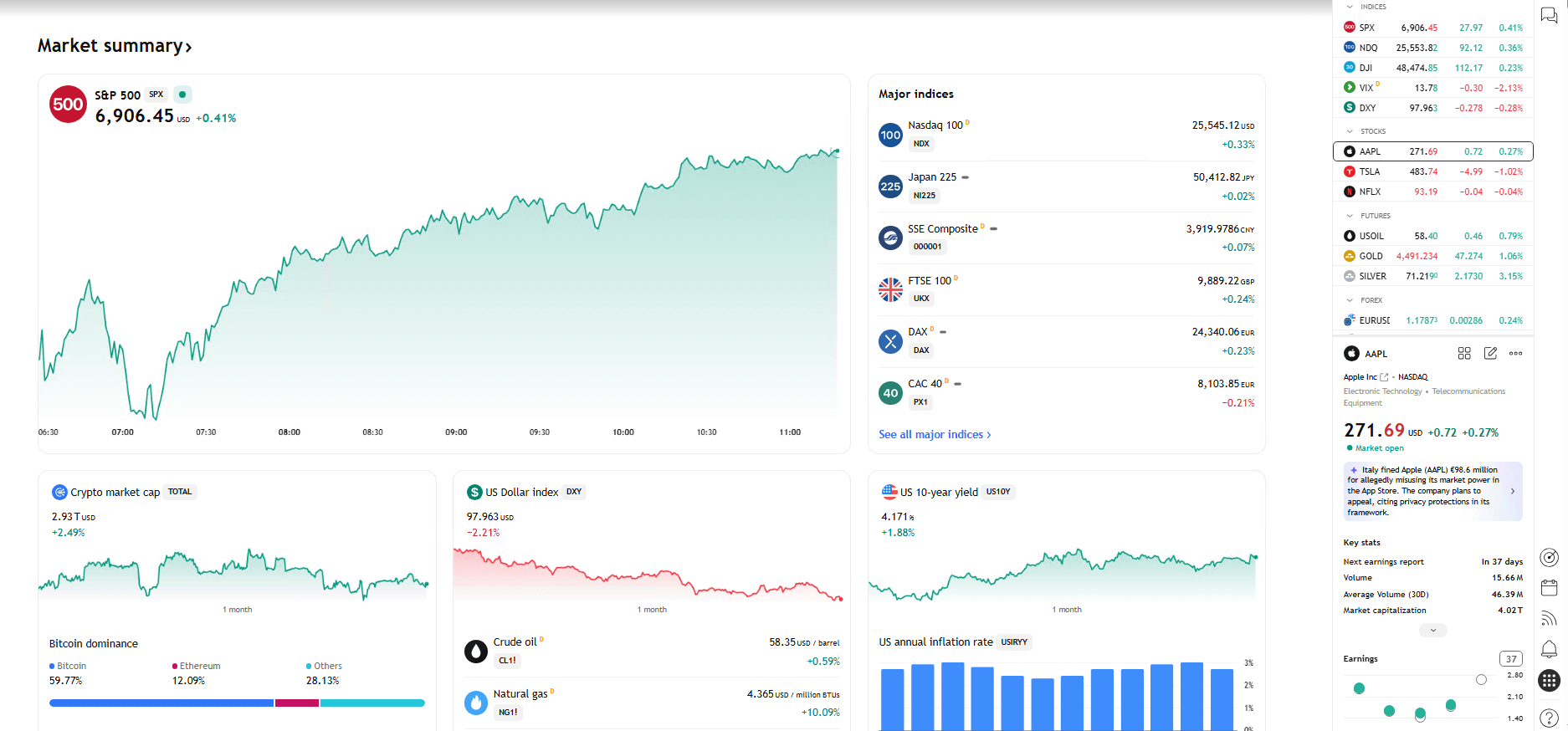
Market Overview and Community Trends
One of the key features we tested for this TradingView review is the “Community Trends” section. This gives a quick sense of where volume and attention are concentrated before the market opens.
🧠 Watch: Finding Smart Money Setups
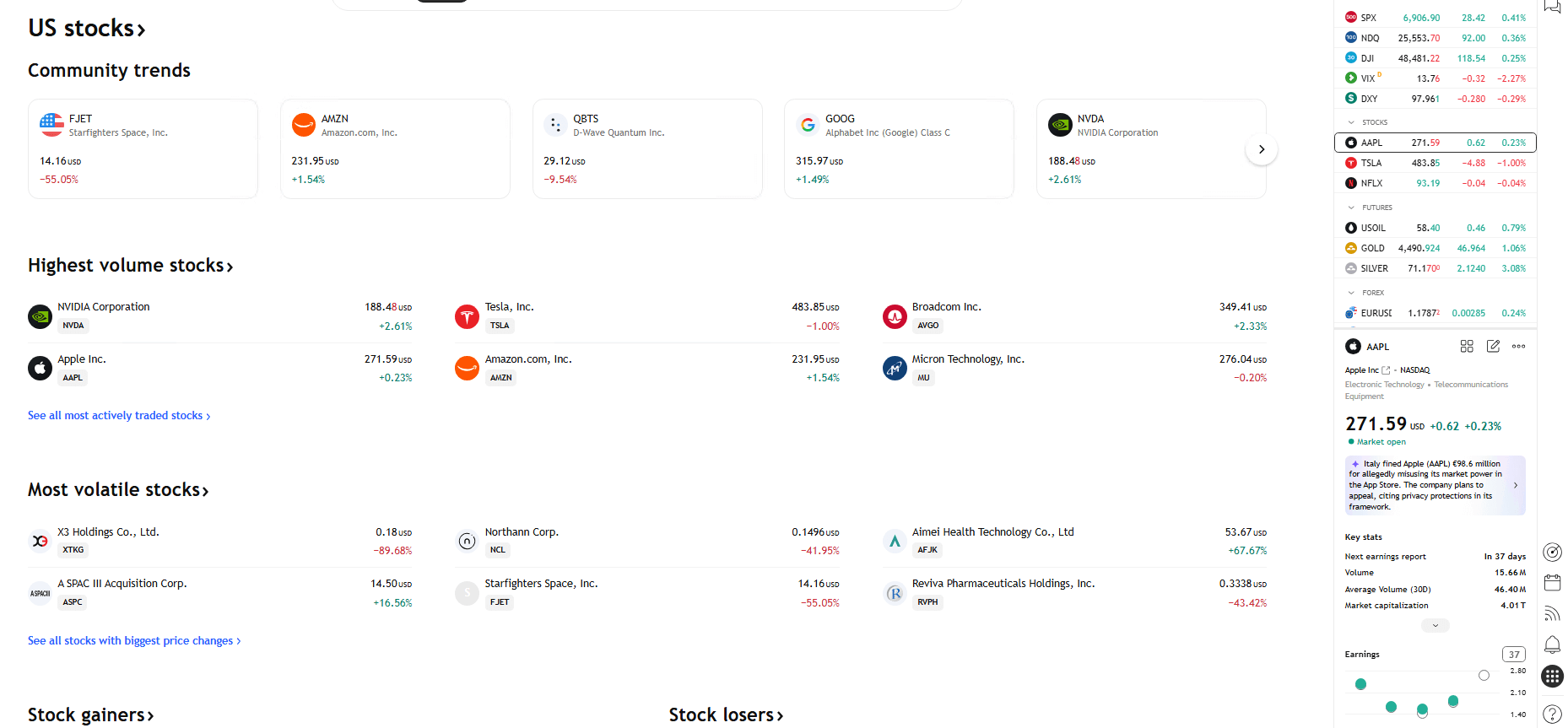
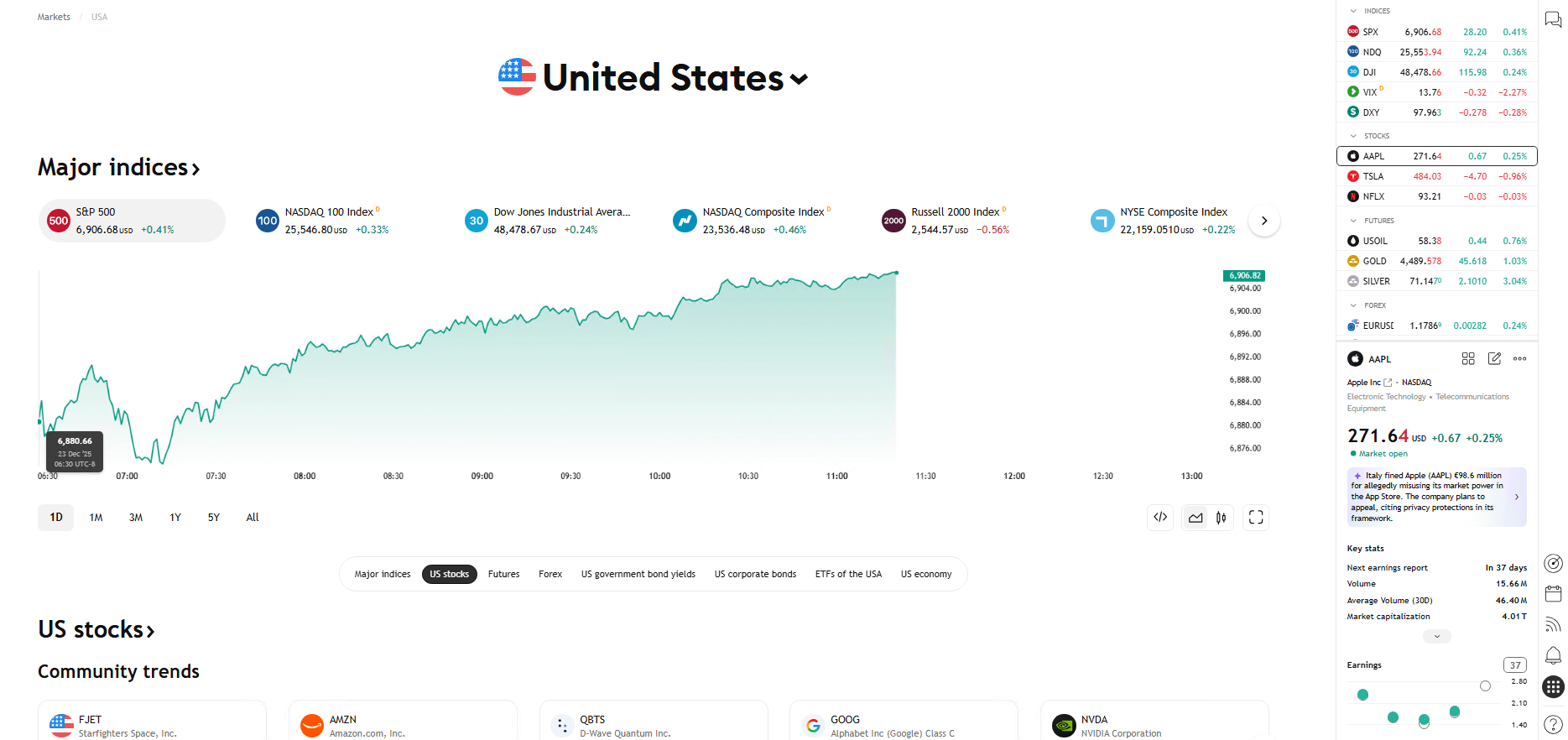
Major Indices and US Stock Breadth
Understanding the broader market trend is crucial for directional bias. TradingView’s indices view lets me quickly confirm whether the S&P 500 and Nasdaq are trending in my favor before drilling into individual setups.
💡 Pro Tip: Price action is only half the story. Always check the Real Yield (Inflation-Adjusted Returns) to confirm if the market is actually growing or just keeping up with inflation.
TradingView Review 2026: Free vs Paid Plans
This is the most common question I get: “Is the free version enough?”
For a beginner learning to read a chart? Yes.
For a trader trying to make a living? No.
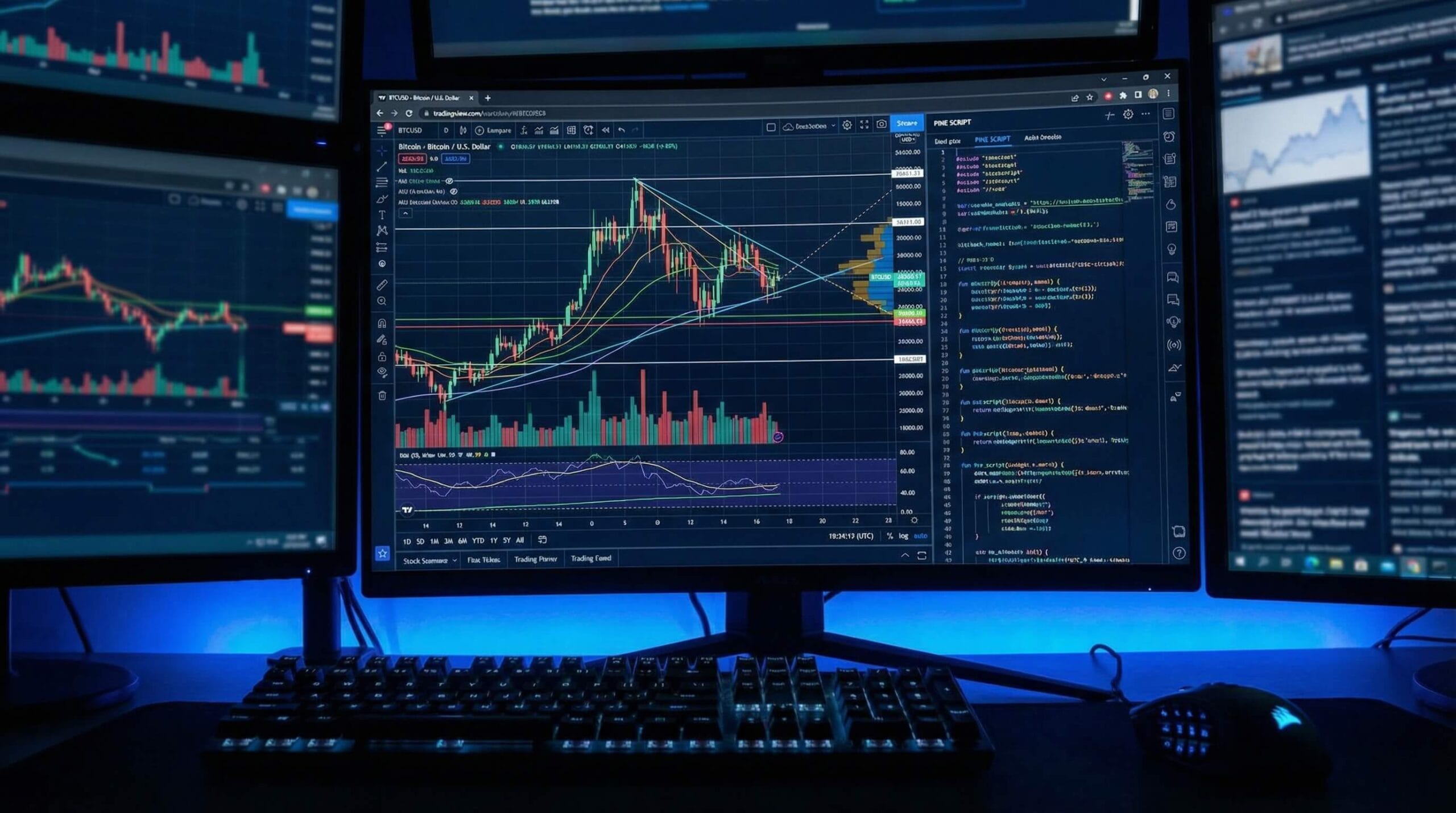
The free version limits you to 3 indicators per chart. If you are trading a serious strategy (e.g., VWAP + RSI + 2 EMAs + Volume), the free version literally cannot display your strategy. You are flying blind.
Pricing Tiers
- Free ($0): Good for testing. 1 Chart layout. 3 Indicators.
- Pro ($15/mo): The sweet spot. 5 Indicators. 2 Charts per tab. Ad-free.
- Pro+ ($30/mo): For day traders. 10 Indicators. 4 Charts per tab.
If you need a broker that integrates directly into TradingView for 1-click execution, I highly recommend connecting Exness (for Forex/CFD) or Coinbase (for Crypto).
DevOps Performance Review: Why It’s Faster
As a DevOps engineer, I don’t just look at the pretty colors. I look at the code. TradingView is superior to legacy desktop platforms (like MT4) because it runs on HTML5 Canvas rather than Java or Flash.
My Test Results (Chrome Clean Profile):
- Rendering: 60fps smooth scrolling on 4K monitors.
- Data Usage: highly optimized JSON packets (low bandwidth).
- Stability: Zero crashes during high-volatility events (CPI/NFP).
Pros and Cons for US Traders
✅ Pros
- Cloud-Based: Your analysis is saved instantly. Switch from Desktop to Mobile app seamlessly.
- Pine Script: The easiest coding language to build your own indicators.
- Community Trends: See what active stocks are moving early.
❌ Cons
- Data Fees: Real-time data for US Stocks (NYSE/NASDAQ) costs extra (approx $5/mo).
- Execution: It is a charting platform first. You still need a broker.
TradingView Review 2026 FAQ
Is TradingView free?
Yes, the Basic plan is free forever. However, serious traders will hit the 3-indicator limit quickly. We recommend the Pro plan for $15/mo.
Can I trade directly on TradingView?
Yes. You can connect supported brokers like OANDA, TradeStation, or Exness to execute trades directly from the charts.
Does TradingView have real-time data?
It provides real-time data for Forex and Crypto. For US Stocks, data is delayed by 15 minutes unless you purchase the real-time data package (~$5/mo).
Final Verdict: Is it worth it?
To conclude this TradingView Review 2026, the platform remains the undisputed king of charting. If you are serious about Smart Money Trading, you cannot rely on the clunky charts provided by most brokers.
For trend analysis, backtesting, and clean visuals, it is the best platform on the market.
✅ Try TradingView Pro🚀 The “Smart Money” Toolkit
The exact tools we use to analyze markets, trade assets, and protect wealth.